
API Key Settings
5/7/25Less than 1 minute
API Key Settings
All API requests require a ZF-API-KEY header for authentication.
Get Your API Key
Step 1 — Log in to unwatermark.ai and open your account settings.
Step 2 — Copy your API key from the API Settings page.
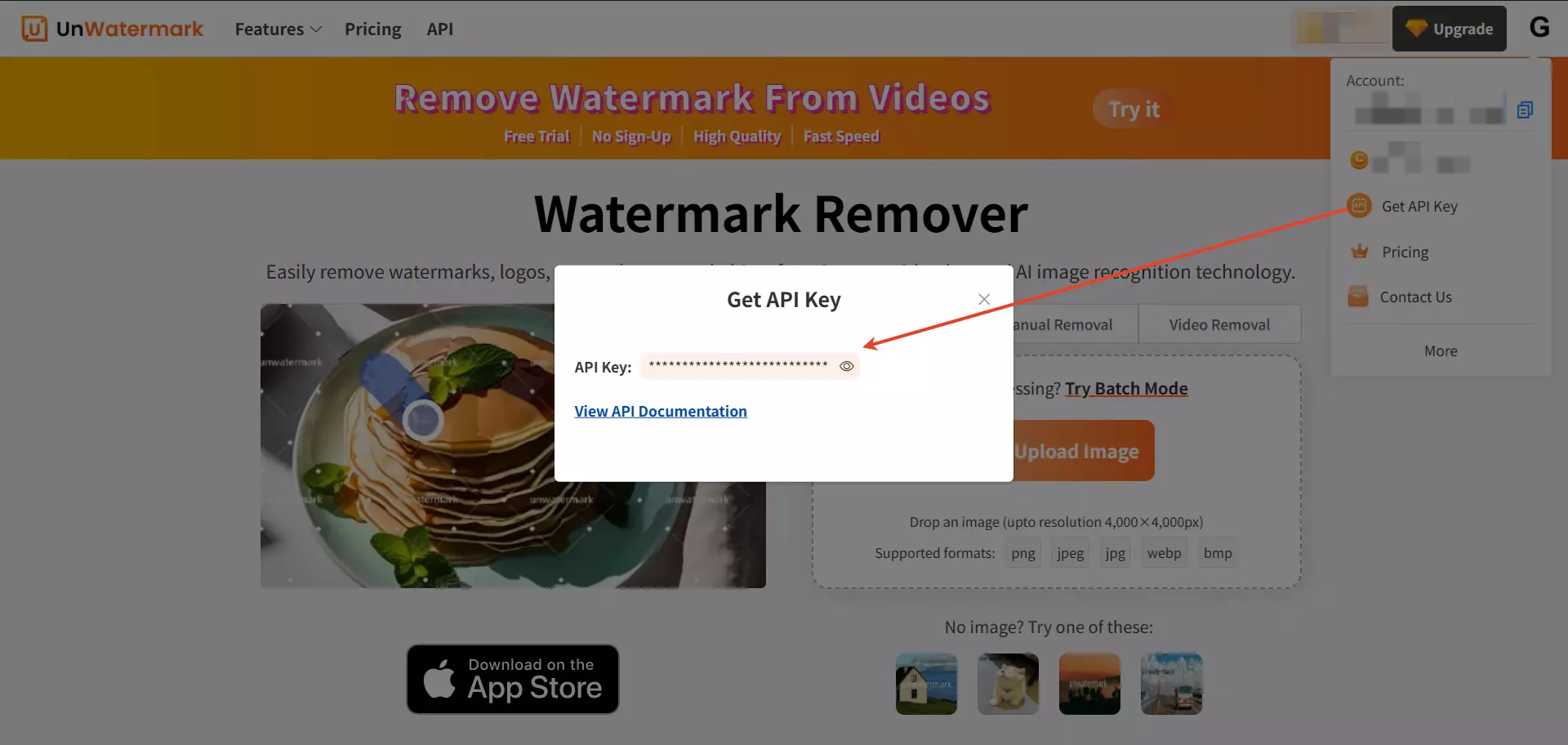
Step 3 — Pass the key in the request header:
-H "ZF-API-KEY: xxxxxx...xxxxxx"Keep your key safe
Do not expose your API key in client-side code or public repositories.