AI Batch Watermark Remover Tool
Upload up to 100 images and remove watermarks with AI precision
Click or drag to upload, Up to 100 files at a time.
Batch Watermark Remover
Process up to 100 images at once
Remove watermarks, logos, and unwanted marks from multiple images simultaneously with our advanced AI technology. Save time with bulk processing while maintaining original quality.

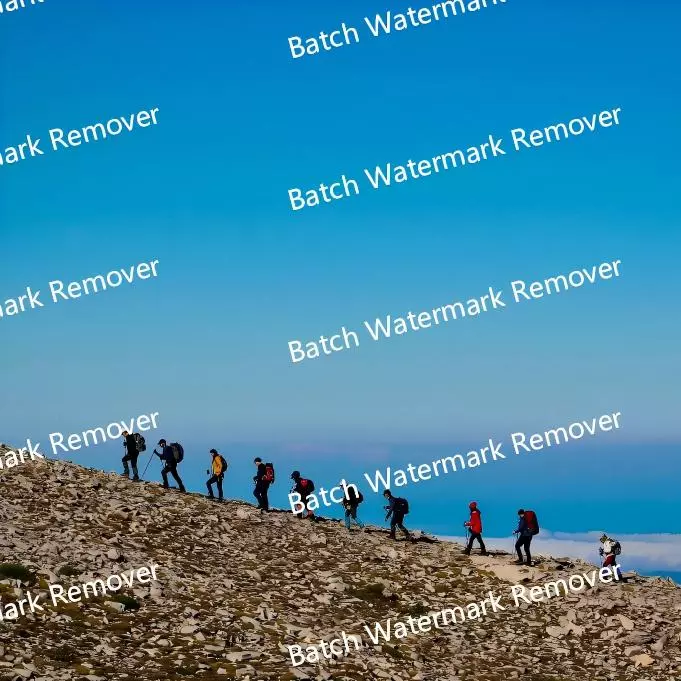
How to Batch Remove Watermarks
Follow these simple steps to remove watermarks from multiple images in one go
Upload Multiple Images
Select up to 100 images at once. Supports PNG, JPG, JPEG, WEBP and other formats.
Choose Processing Mode
Select Standard V1 for fast processing or Auto V2 for better quality results.
Download All Results
Download individual images or get all processed images in a single ZIP file.
Why Choose Our Batch Watermark Remover
Discover the advantages that make our batch processing the best choice for removing watermarks from multiple images
Bulk Processing Power
Process up to 100 images simultaneously, saving hours of manual work with automated batch processing.
Dual AI Models
Choose between Standard V1 for speed or Auto V2 for premium quality, both optimized for batch operations.
Smart Queue Management
Intelligent processing queue with real-time progress tracking and automatic error recovery.
Flexible Download Options
Download individual images or get all results in a convenient ZIP package for easy management.
Credit-Efficient Processing
Optimized credit usage with free quota support and transparent pricing for bulk operations.
Enterprise-Grade Security
Your images are processed securely and automatically deleted after download for maximum privacy.
Batch Watermark Removal for Every Professional Need
Remove watermarks from multiple images simultaneously with our AI-powered batch processing tool. Save time and maintain consistency across all your photos.
E-commerce Product Photography
Got hundreds of product photos with supplier watermarks? Upload your entire catalog and clean them all up in minutes. Perfect for dropshippers and retailers who need consistent, professional-looking product images without spending hours on manual editing.


Social Media Content Creation
Stop editing images one by one for your social posts. Whether you're working with stock photos, memes, or graphics, batch process everything at once and get clean, watermark-free content ready for Instagram, Facebook, and Twitter.


Marketing Campaign Assets
Launching a new campaign with dozens of promotional images? Remove all those stock photo watermarks and template logos in one go. Get your marketing materials ready faster and maintain a consistent brand look across everything.

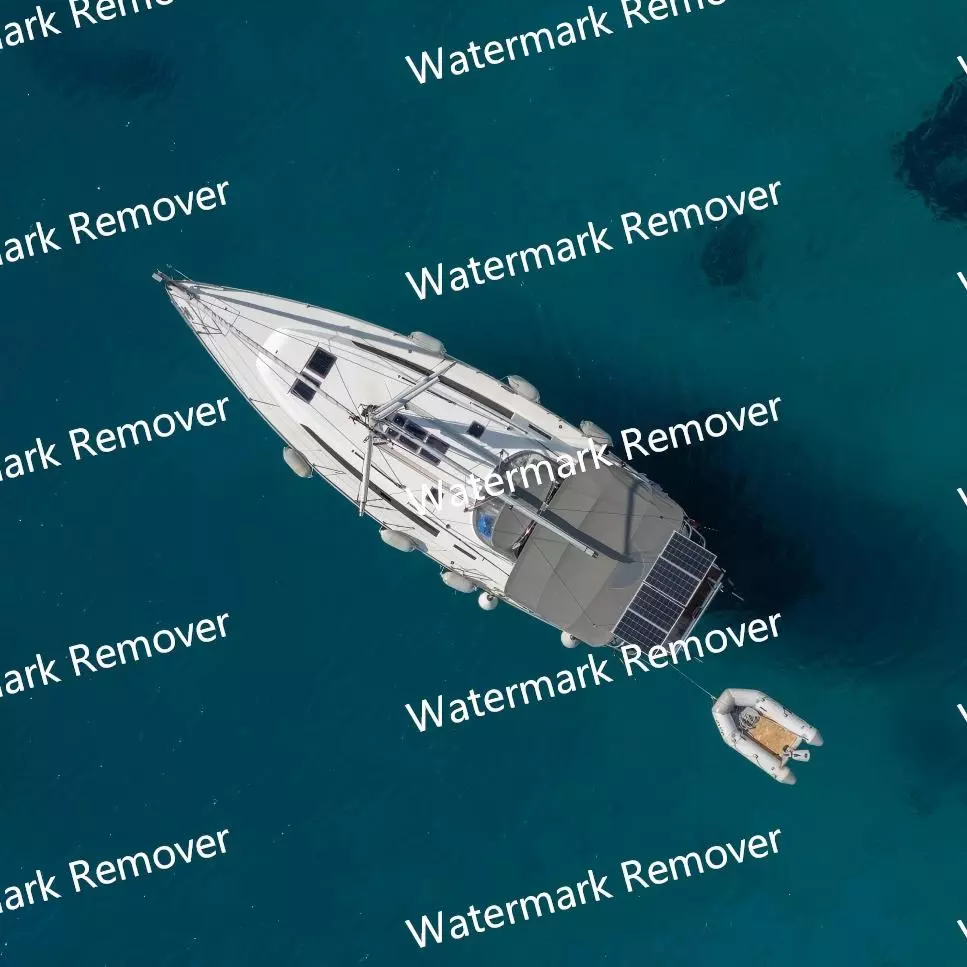
Real Estate Photo Processing
Property listings come with photographer watermarks and MLS logos that need to go. Process entire photo sets from multiple properties at once, keeping the high quality you need for professional presentations while saving hours of work.
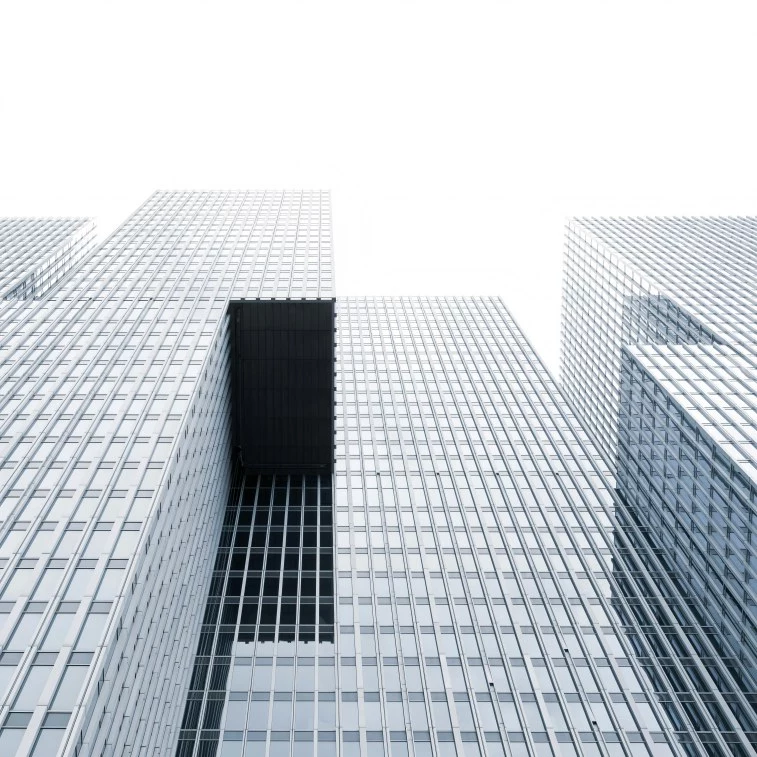
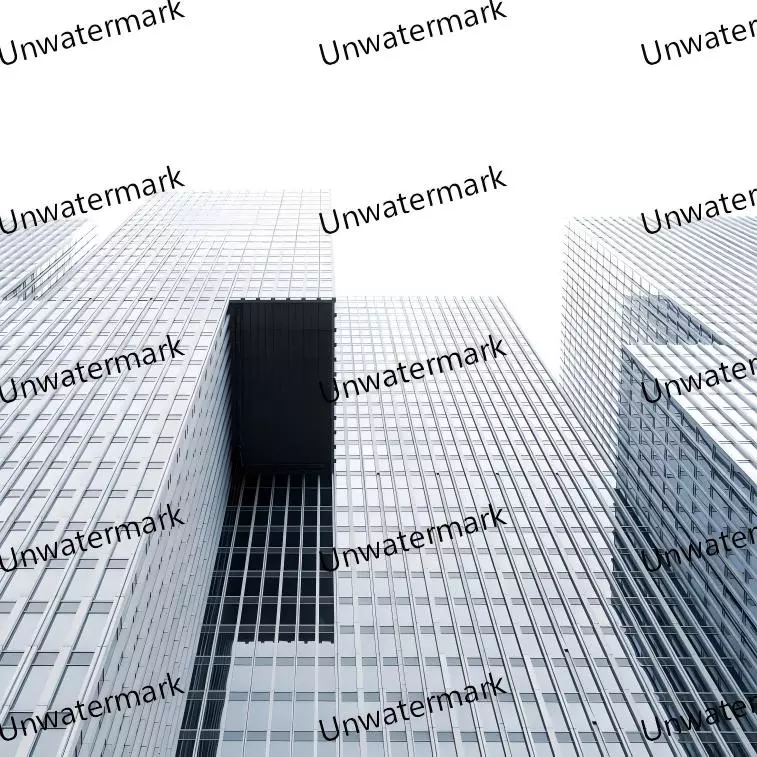
Discover More AI-Powered Image Tools
Explore our complete suite of image processing tools for all your editing needs

Single Image Watermark Remover
Remove watermarks from individual images with precision control and manual editing options.

Video Watermark Remover
Remove logos or watermarks from videos online. Clean your footage in a few clicks.
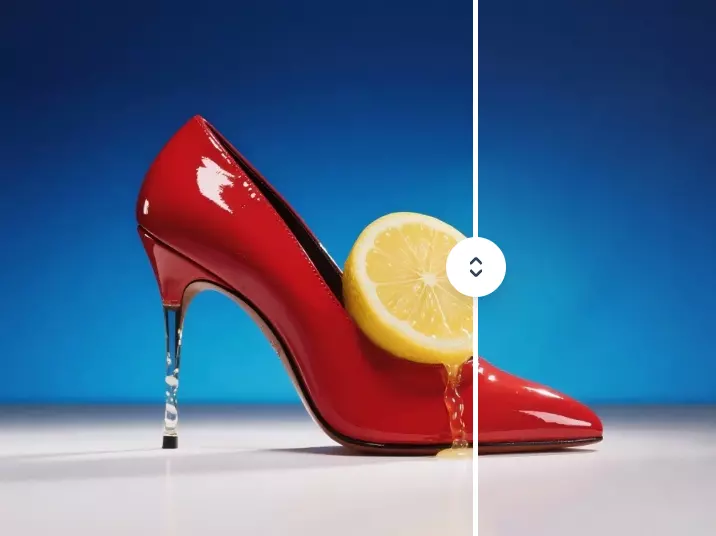
Object Remover
Remove unwanted objects, people, or elements from your photos with advanced AI technology.
What Our Customers Are Saying About Batch Processing
The batch watermark remover saved me hours of work! I processed 50 product images in just minutes instead of editing each one individually.
Perfect for my photography business. I can now clean up entire photo shoots at once while maintaining excellent quality across all images.
As a social media manager, this tool is a game-changer. Batch processing multiple campaign images has never been easier.
Frequently Asked Questions About Batch Watermark Removal
Find answers to common questions about our bulk image processing service