Free Nano Banana AI Editor — Edit Images with Text Prompts
Experience the next generation of generative AI. Use the Nano Banana model (Gemini 2.5) to add, remove, or change elements in your photos simply by typing.
Model
Image Upload
Click or drag image here
Supports JPG, PNG, WEBP up to 20MB
Prompt
Be specific about the background you want
128/1000Functions:
Styles:
Result
Your result will appear here
Aspect Ratio
Please do not upload sensitive images!
Nano Banana AI Photo Editor: Type to Edit & Create
Unwatermark brings you the latest in generative technology. Powered by Google's **Nano Banana** (Gemini 2.5 Flash Image), our editor understands natural language better than ever. Whether you know it as 'Nano' or mistakenly search for '**Nana Banana**', our tool delivers the professional Generative Fill you need. Just ask the AI to 'change the background' or 'remove the stranger'—no design skills required.
How to Use Nano Banana AI Editor
Complex edits made simple with our prompt-based interface
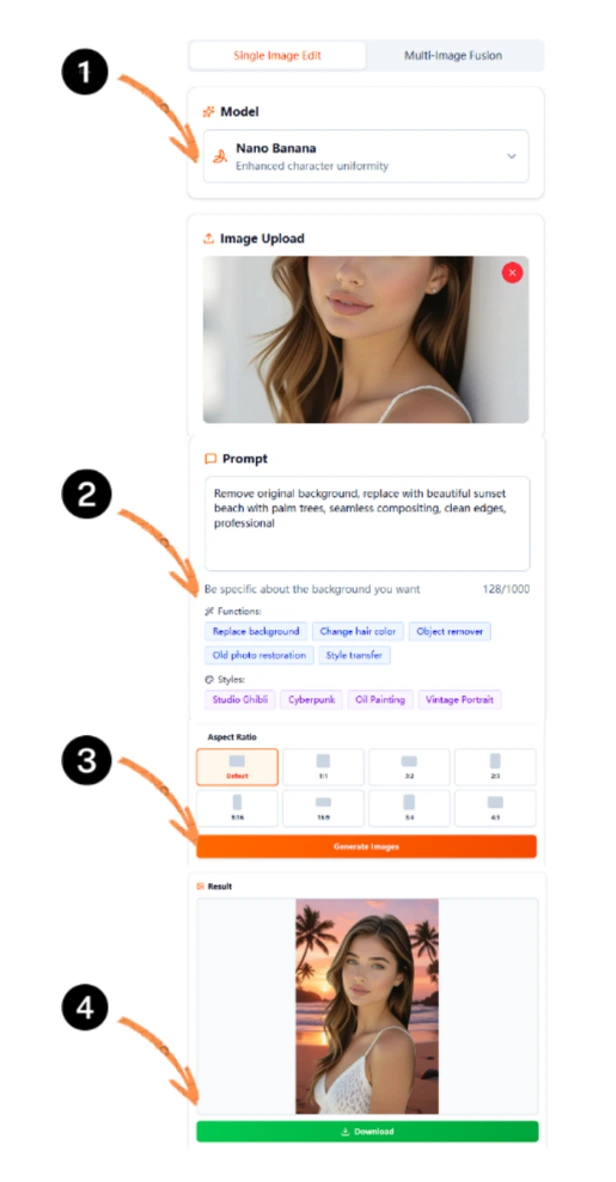
Select Nano Banana Model
Choose the right engine. Select '**Nano Banana**' for superior instruction following and character consistency, or 'Seedream' for artistic flair.
Type or Click Tags
Describe the change (e.g., 'add sunglasses') or use our quick tags. Nano Banana excels at understanding complex prompts without confusion.
Customize Style & Ratio
Pick an art style (Cyberpunk, Oil Painting) and set the aspect ratio (9:16 for TikTok, 1:1 for Instagram) to fit your platform perfectly.
Generate & Download
Click Generate to see the magic. The AI interprets your text and delivers professional edits instantly. Download free in HD.
Why Our AI Editor Stands Out
Combining Google's Gemini 2.5 Architecture with Advanced Image Processing
Powered by Nano Banana
We integrate the official Nano Banana model (aka Nana Banana). It offers faster speed and better prompt adherence than older diffusion models.
Magic Text-to-Edit
No manual brushing needed. Just type 'Change hair color to red' and our Generative AI executes your command precisely.
100% Free & Private
Enjoy powerful AI features without subscriptions, watermarks, or sign-ups. Your images are processed securely and deleted automatically.
One-Click Restoration
Use the built-in 'Old photo restoration' tag to instantly fix scratches, unblur faces, and colorize black & white photos.
Social Media Ready
Built-in presets ensure your edited photos fit perfectly on Instagram, TikTok, and YouTube Shorts without cropping.
Lightning Fast
Powered by cloud GPU clusters and the lightweight Gemini 2.5 Flash architecture, edits happen in milliseconds.
Unlock Professional AI Capabilities
From e-commerce to personal memories, solve it all with AI
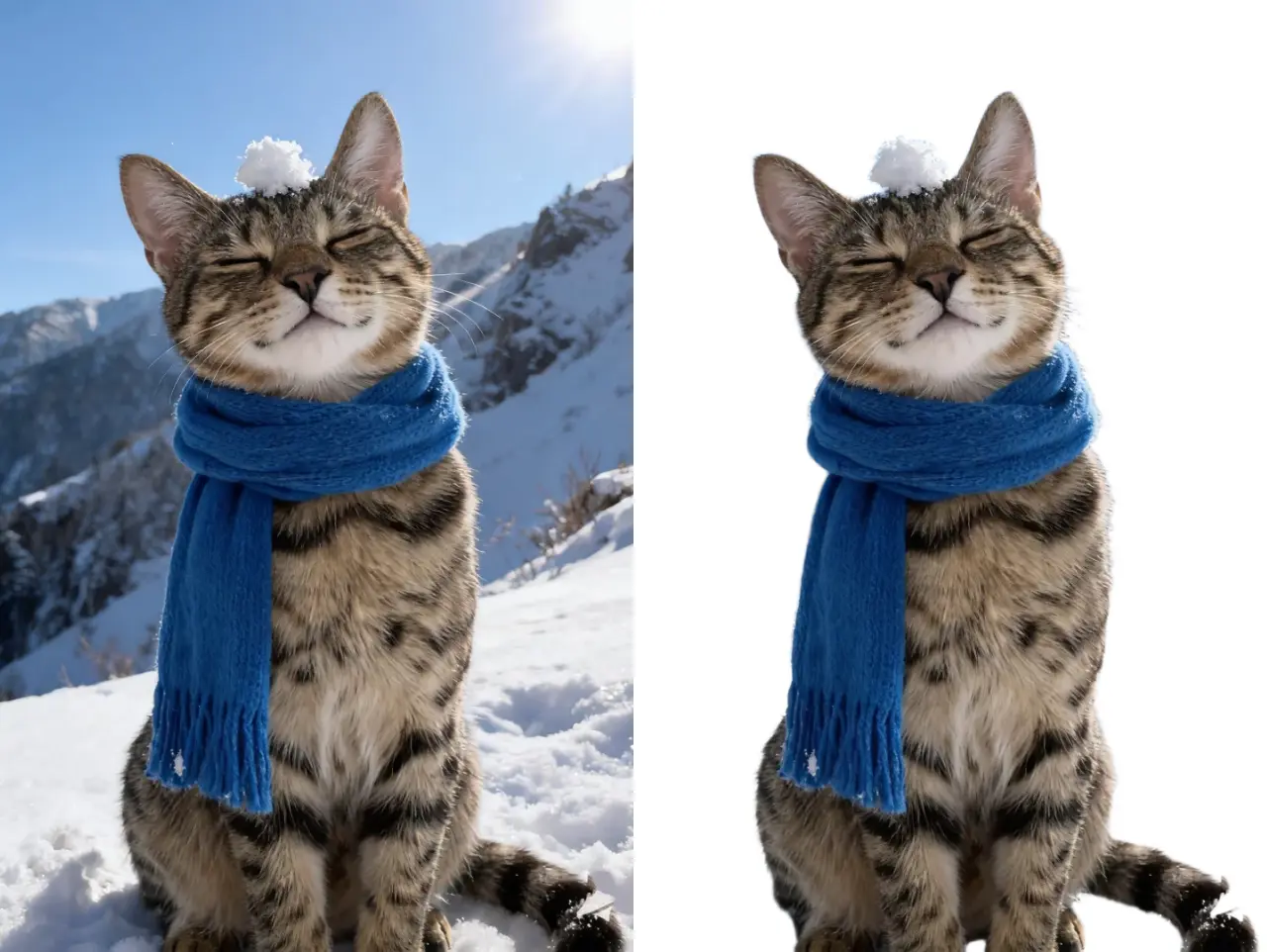
Generative Background Swap
Don't just remove backgrounds—replace them. Use the 'Replace background' tag and type a scene (e.g., 'studio lighting', 'beach sunset'). Nano Banana's lighting comprehension makes it look real.
- Control scenery with text prompts
- Perfect for e-commerce listings
- Realistic lighting adjustments
AI Object Remover (Magic Eraser)
Clean up your photos effortlessly. Use the 'Object remover' tag to eliminate photobombers. The model fills the gap naturally using context from the surrounding area.
- Remove unwanted people or items
- Seamless context-aware fill
- Clean up travel photos
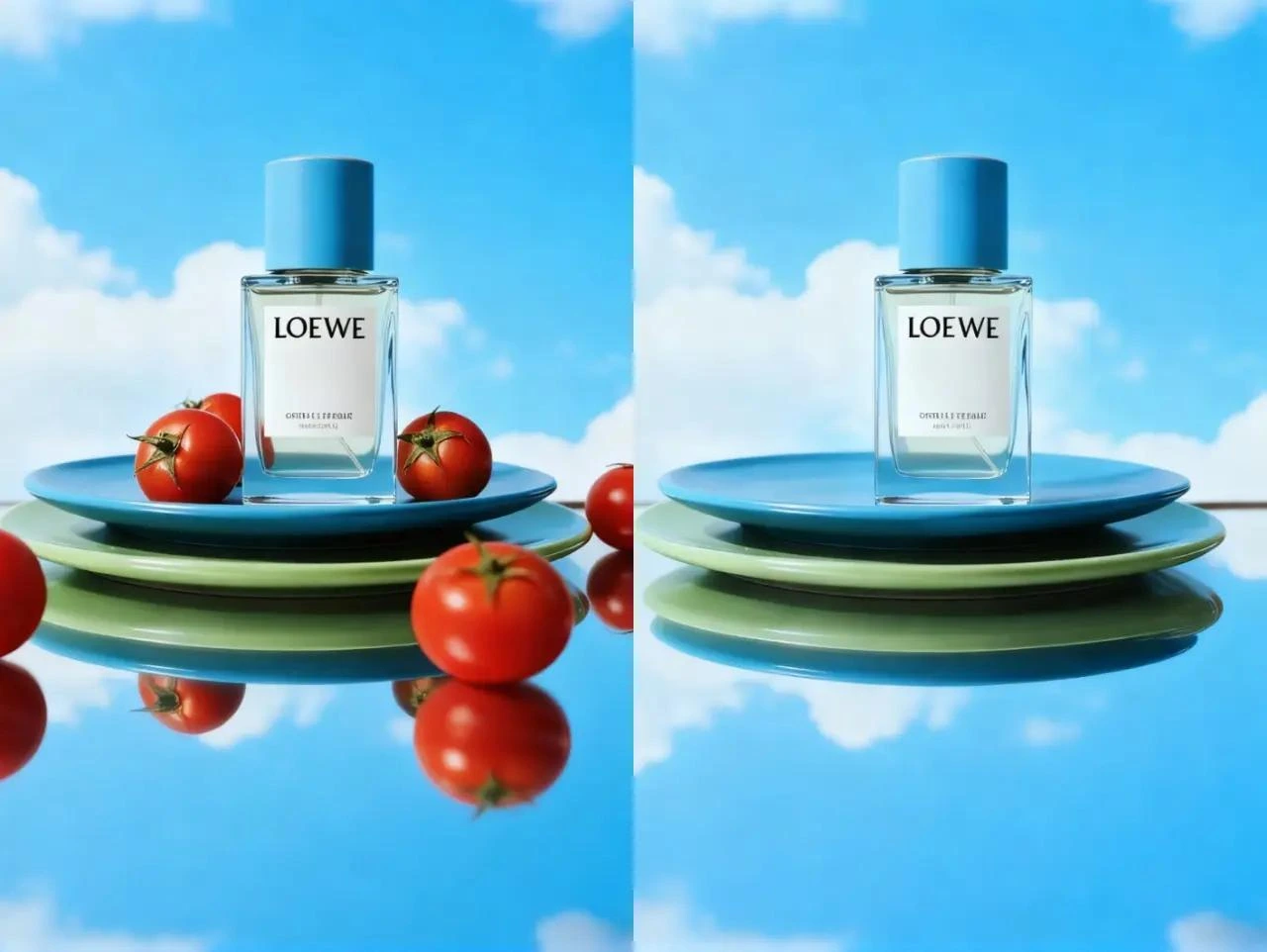
Character Consistency (Nano)
Using the **Nano Banana** model, content creators can modify characters while keeping facial features and outfits consistent. Ideal for storyboards and AI influencers.
- Maintain consistent identity
- Uniform style across edits
- Best for storytelling
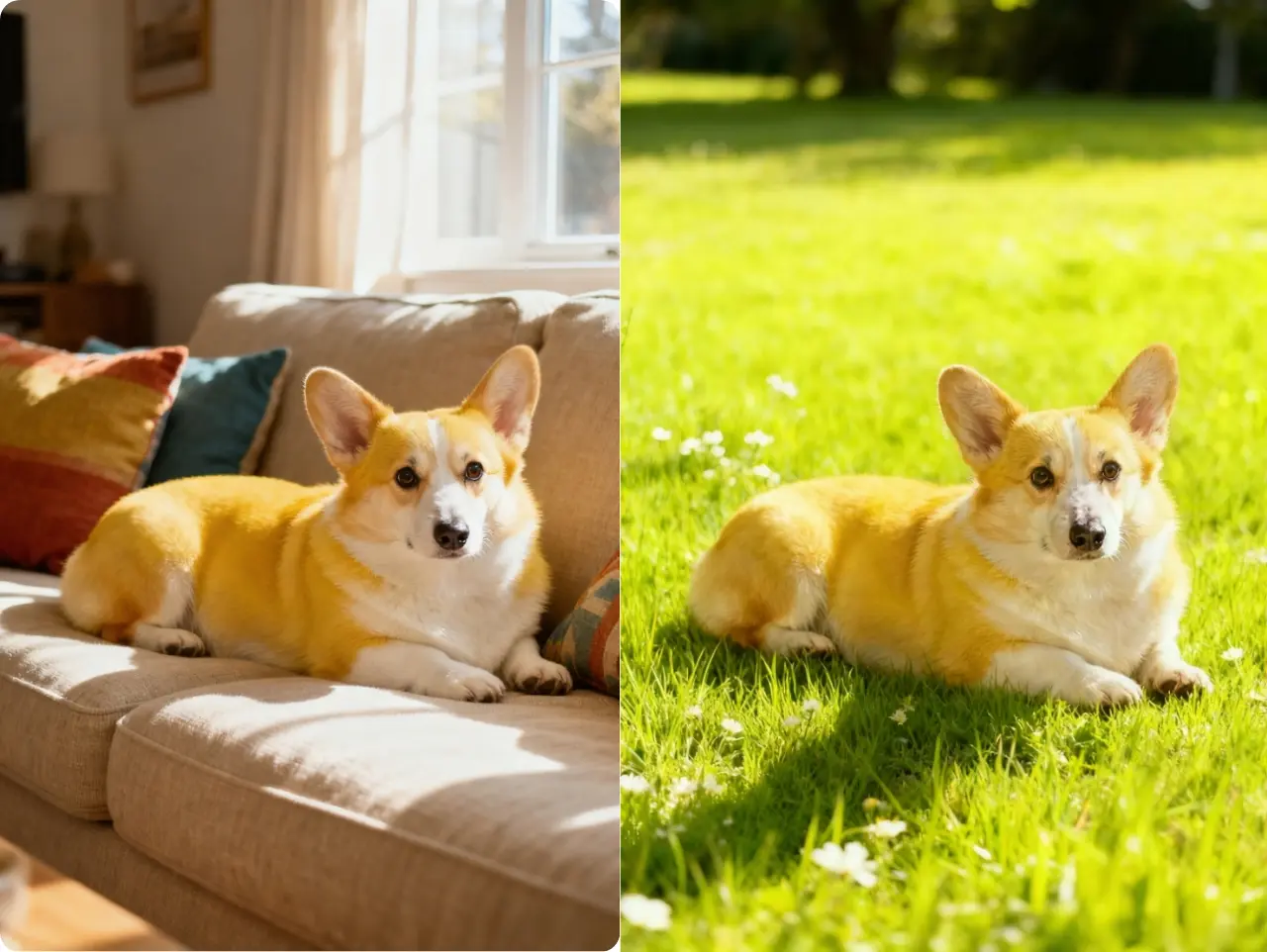
Old Photo Restoration
Bring vintage memories back to life. Our specialized AI restoration model repairs scratches, sharpens blurry faces, and restores lost details in seconds.
- Fix scratches and blur
- Enhance facial details
- Restore 4K clarity
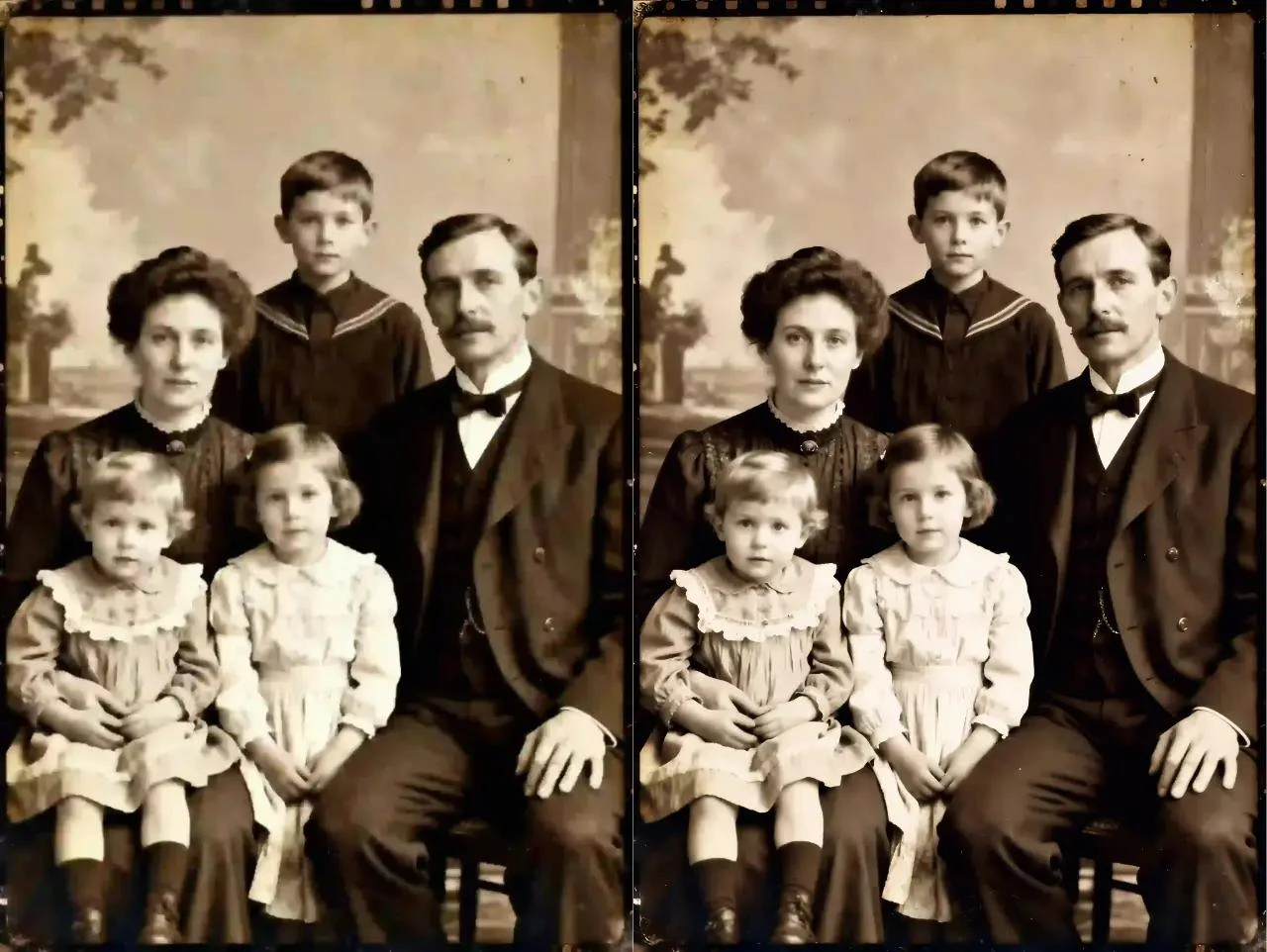
AI Style Transfer
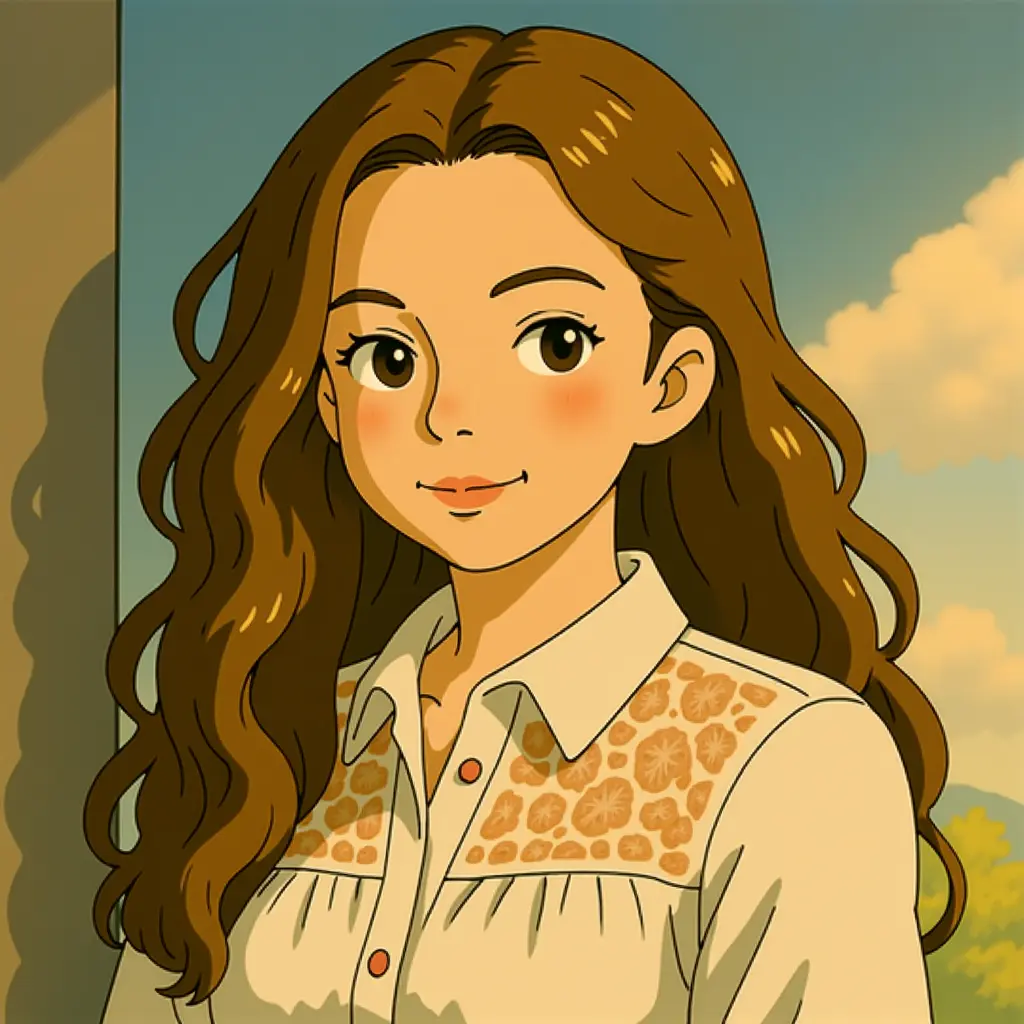
Transform the vibe of your photos with one click. Apply artistic styles like 'Studio Ghibli', 'Cyberpunk', or 'Vintage' to create unique visual content.
- Instant artistic filters
- Preserve original composition
- High-quality style rendering
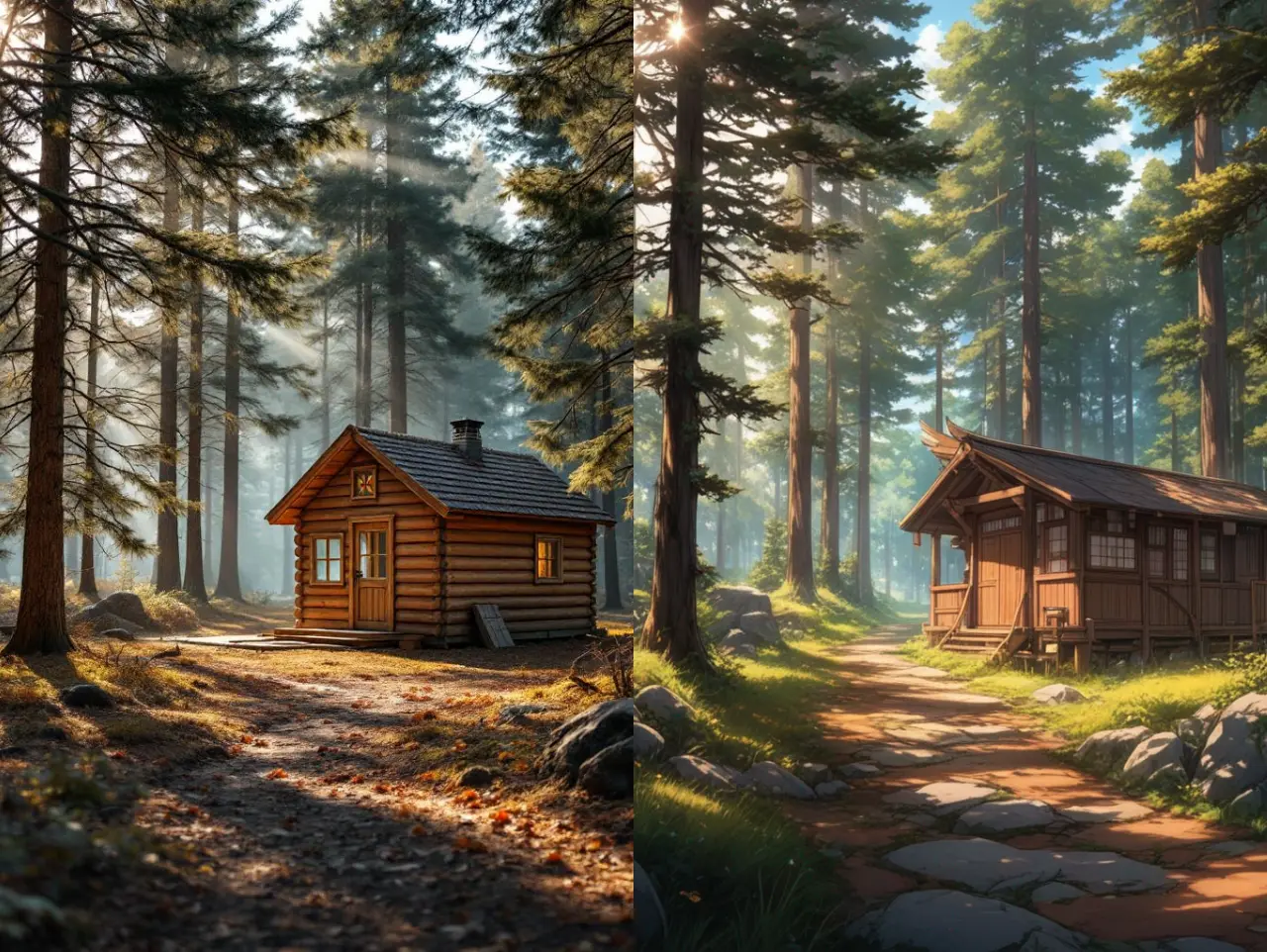
Beyond Watermark Removal - Your Complete AI Image & Video Editing Toolkit
More than just watermark removal. Our AI-powered suite includes intelligent background removal, smart object manipulation, and precision editing tools. Powered by advanced deep learning and computer vision technology that understands context and preserves quality.


AI Image Watermark Remover
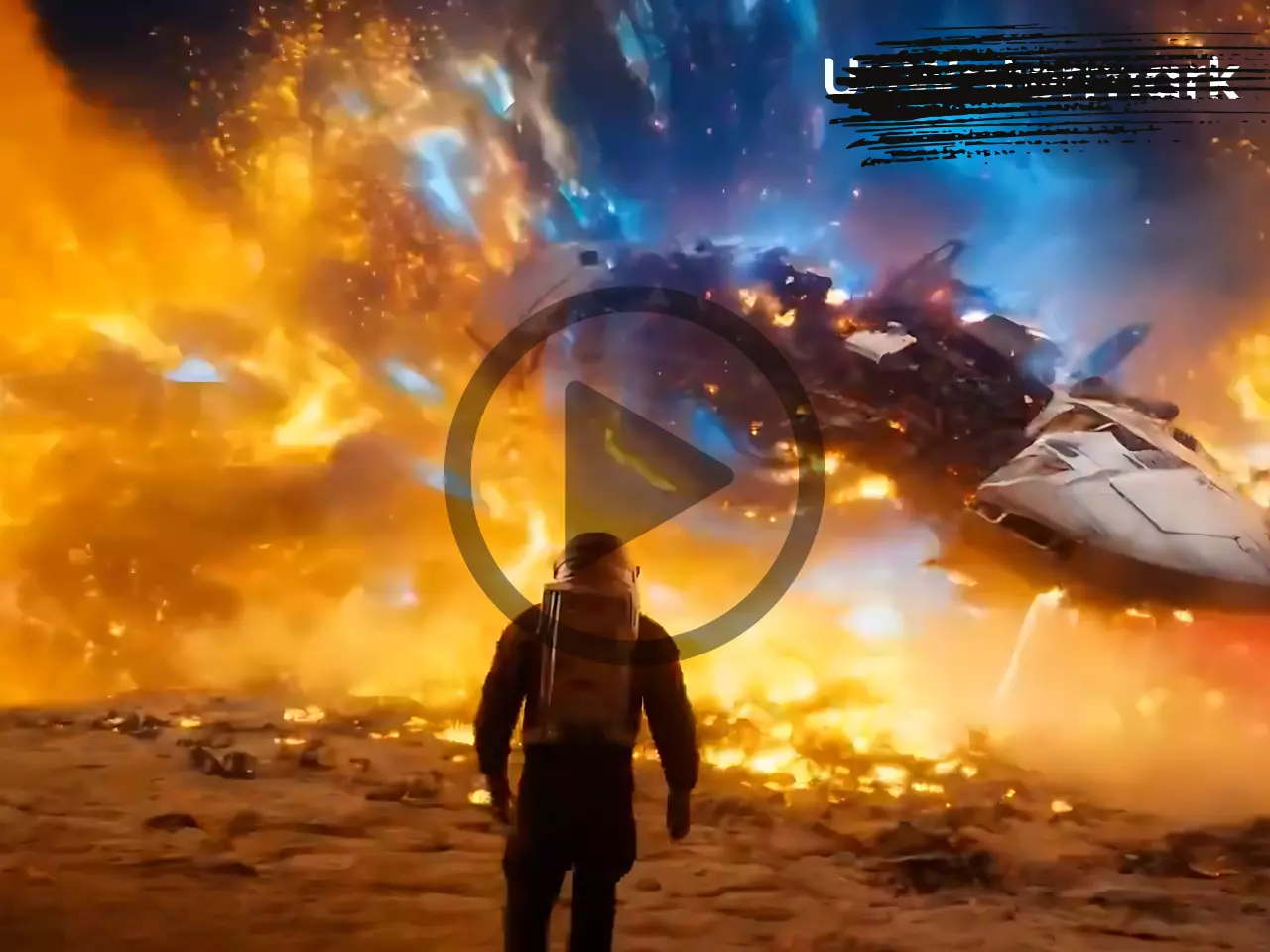
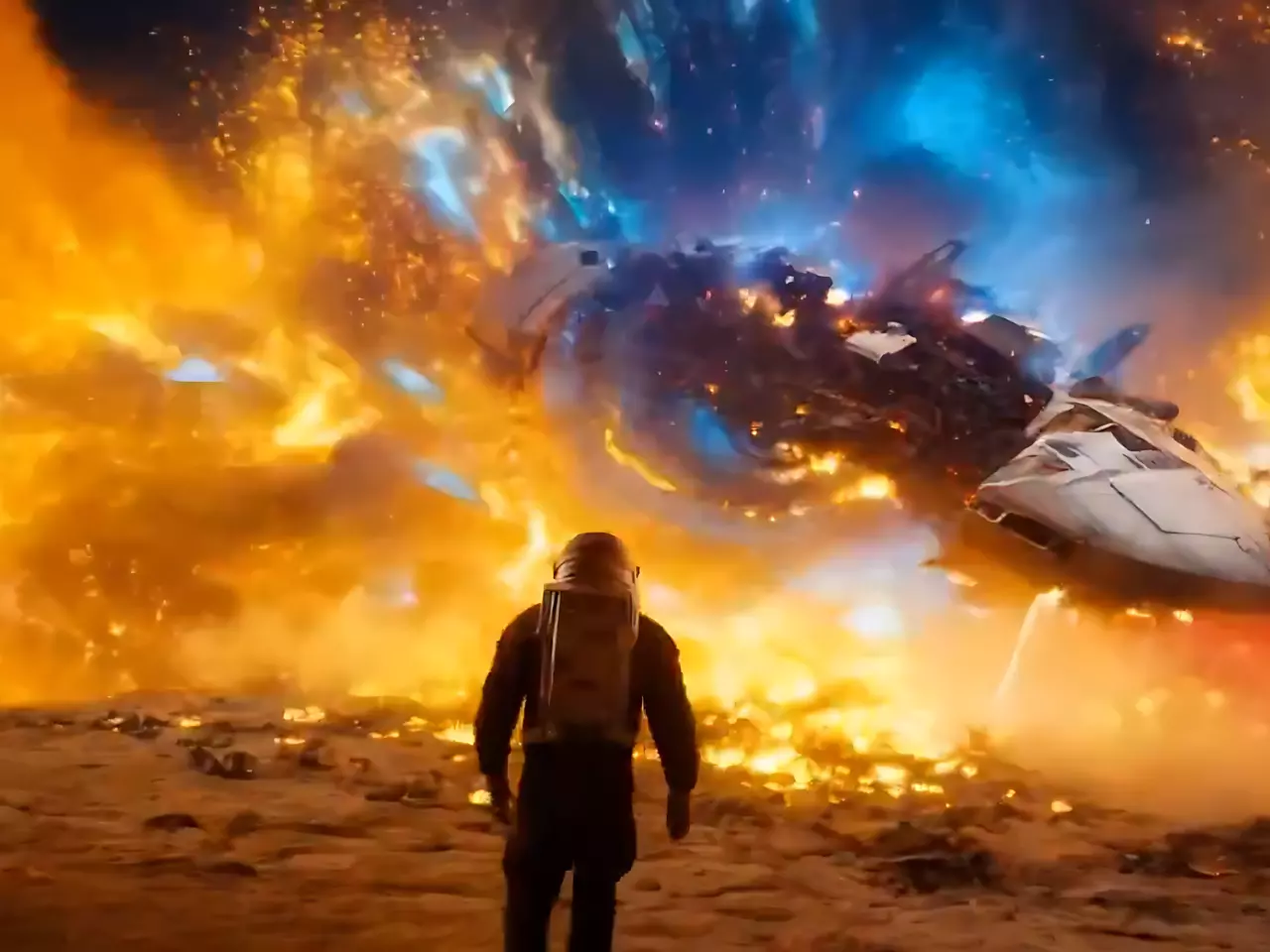
Video Watermark Remover Tool
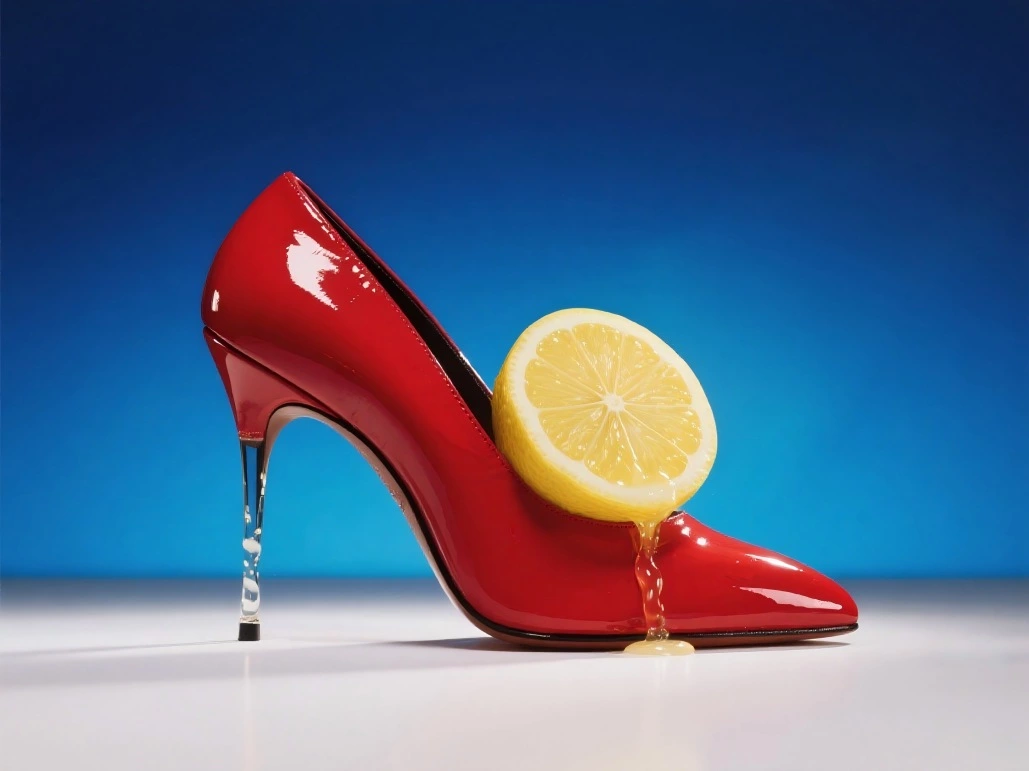
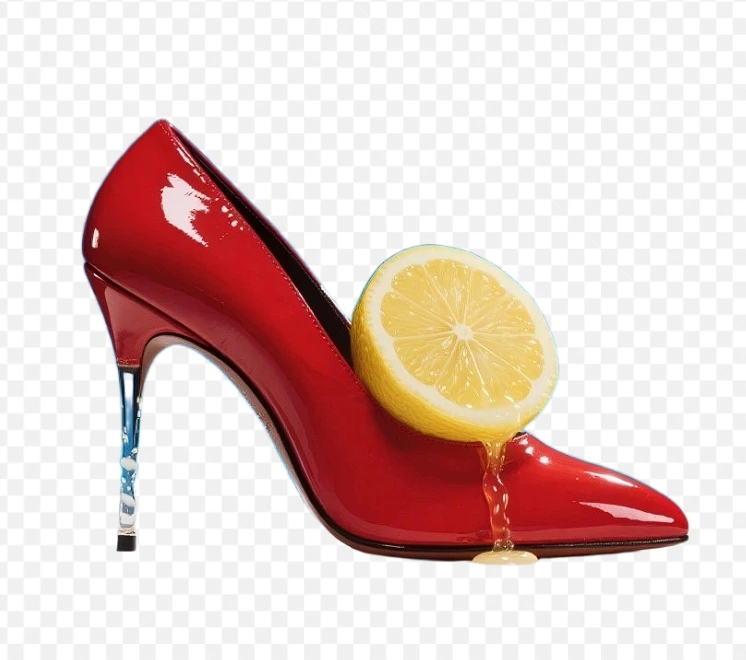
AI Background Remover
Smart Object Remover
What Our Community Is Saying
I was looking for the new Nana Banana tool and found this. The Nano model is incredibly fast and understands my prompts perfectly.
The text-to-edit feature is mind-blowing. I just typed 'remove the car' and it was gone. Better than Photoshop for quick edits.
The 4K upscale quality combined with Gemini 2.5 tech is legit. Unwatermark is my go-to online editor now.
Frequently Asked Questions
Answers about Nano Banana and our AI Editor