Free AI Video Text Remover
Erase burned-in text, captions, and overlays automatically with precision AI frame reconstruction.
Loading video watermark remover...
Bring Back Clean Frames with Video Text Remover
Remove text overlays from any video in seconds
Tired of burnt-in subtitles, karaoke lyrics, or promo banners covering your footage? Our AI video text remover detects unwanted text frame by frame, heals the pixels behind it, and preserves 4K clarity. Upload, highlight, and publish spotless clips with zero learning curve.
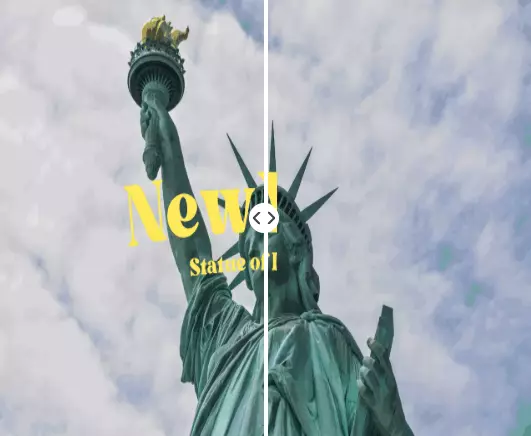
Discover More Online Image & Video AI Tools
Explore our comprehensive suite of AI-powered tools for all your media editing needs
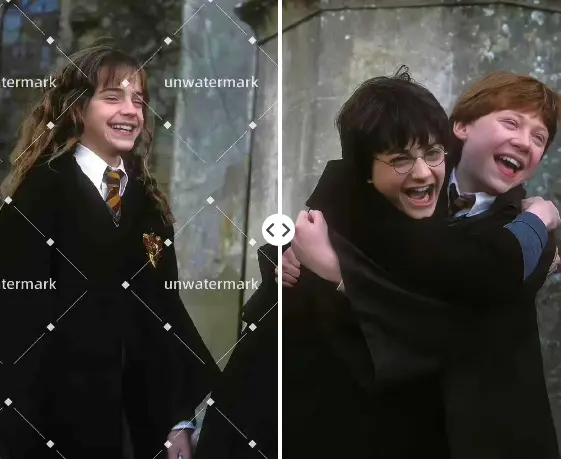
Watermark Remover
Watermark Remover can easily remove watermarks from images for FREE & No sign-up.
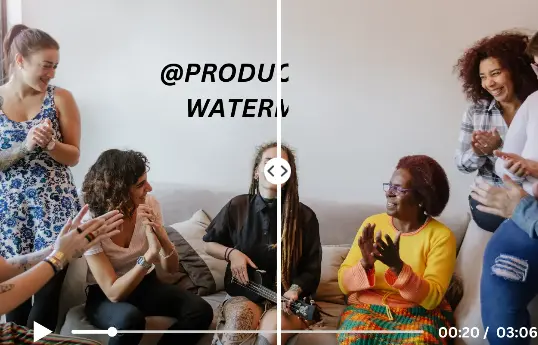
Video Subtitles Remover
Remove subtitles from video for FREE & no sign-up using our AI subtitles remover.
Video Watermark Remover
Video Watermark Remover can remove watermarks from videos online for FREE and No Sign-up.
Video Text Remover Workflows for Every Creator
See how the AI video text remover adapts to real editing scenarios
Repurpose AI-Generated Clips
Run AI-generated clips through the video text remover to wipe default captions, keep the render quality intact, and add your own branded messaging without rerendering hours of footage.
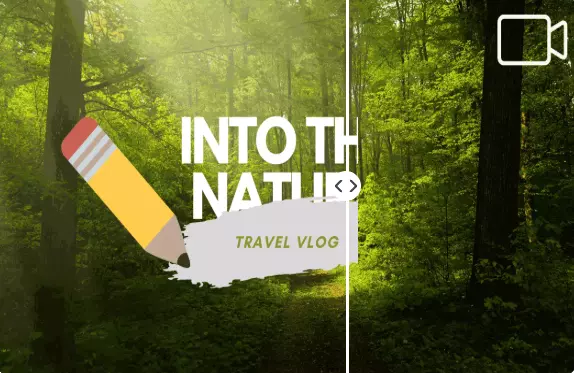
Clean Social Media Downloads
Downloaded a TikTok or Instagram reel with subtitles stuck on top? The video text remover clears those overlays and leaves transitions ready for a fresh caption style on any platform.
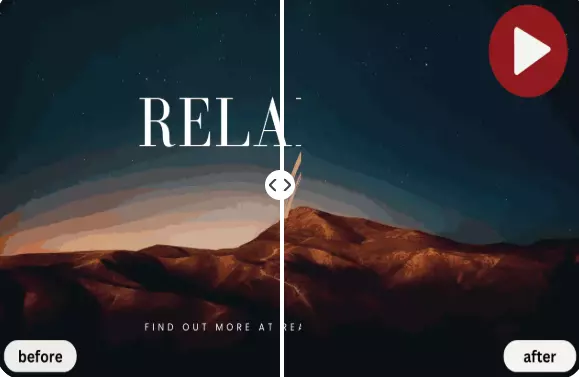
Localize Course Content
Delete outdated training text in seconds, drop in updated translations, and deliver the same lesson to every region without reshooting your curriculum.
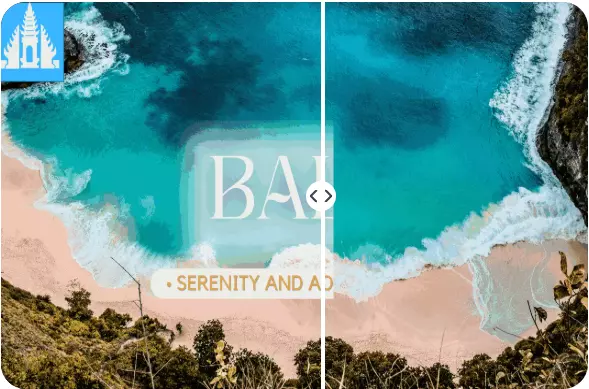
Protect Cinematic Storytelling
Let the AI video text remover rebuild the lighting, typography, and textures hidden beneath lower-thirds so your cinematic framing stays immersive from first frame to last.
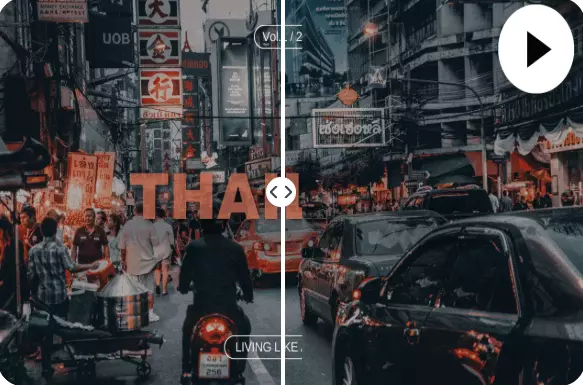
Support Any Format
Upload MP4, MOV, M4V, or even ProRes files straight from your camera. The subtitle eraser handles them all without forcing downscales or proxy conversions.

Edit Without Limits
Experiment freely: the video text remover lets you preview multiple edits online for free, then export polished HD clips only when you’re satisfied.
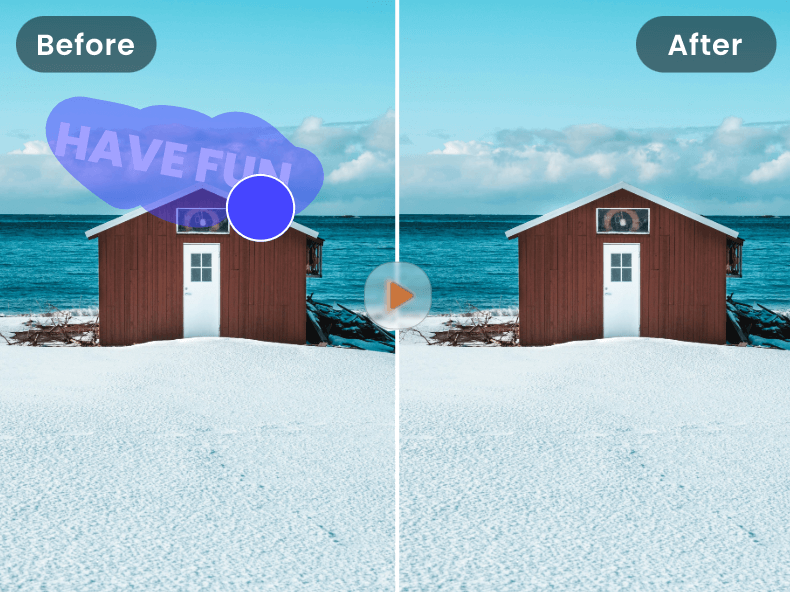
How to Remove Text from Video in Minutes
Follow these quick steps to clean captions with the video text remover
Upload Your Video
Drop in any MP4, MOV, or M4V under 500MB and let the AI scan for text instantly.
Highlight the Text Area
Brush or draw a marquee over subtitles, lyrics, or overlays you want removed.
Preview the AI Cleanup
Click "Remove"—our AI video text remover restores the pixels behind the text so you can preview clean frames.
Export the Final Clip
Download the processed preview or sign in to process the full video without text and keep the original resolution.
Why UnWatermark Is the Best Video Text Remover?
Purpose-built advantages that help you erase text with confidence
Text-Aware Interface
Guided brushes and marquee tools help you target subtitles precisely without masking the wrong area.
GPU-Powered Speed
GPU acceleration keeps processing close to real time while the video text remover holds every frame perfectly in sync.
Pixel-Perfect Restoration
Advanced inpainting rebuilds the background behind every caption, banner, or lower-third.
100% Online Access
Use the video text remover directly in your browser—no downloads or heavy software.
Works on Any Device
Switch between desktop and mobile without losing progress; your edits sync across devices.
Free to Try
Preview text removal for free, then upgrade when you need full-length exports and batch jobs.
What Creators Say
The video text remover wiped karaoke lyrics off my concert footage without muddying the lights.
I repurpose TikToks for Shorts now—captions gone, transitions smooth, and it’s still free to try.
Clients send training videos with burnt-in subtitles. This tool removes them so I can add new text easily.
Needed clean promo clips fast. The AI video text remover delivered spotless exports for our campaign.
Masking text by hand used to take hours. Now I just highlight the area and preview the fix in seconds.
FAQs
Common questions about our video text remover